How to Automate Purchase Orders & Supplier Reordering for Small Business UK 2026
Written by Calvin Lo, Founder of Aphelios Software | July 2026 | 7 min read
Every business that sells products must reorder stock from suppliers. Yet many UK small businesses still handle purchasing manually: checking stock levels by eye, sending emails or making phone calls to place orders, and updating spreadsheets when goods arrive. This approach wastes hours each week, creates opportunities for human error and often leads to stockouts that cost sales.
Purchase order automation changes this entirely. By connecting your inventory data to an automated reordering system, purchase orders are generated, reviewed and sent to suppliers with minimal manual effort. Stock levels update in real time, reorder points are calculated from actual sales data and supplier lead times are tracked automatically.
This guide explains why automating purchase orders matters, how automated reordering works, the steps to set it up and how modern software like Aphelios makes the entire process straightforward.
Why Automate Purchase Orders?
Manually managing purchase orders may seem manageable when you have a small number of products and one or two suppliers. But as your product range grows, the complexity multiplies. Here are the key reasons to automate your purchasing process:
Time Savings
Creating purchase orders manually involves checking current stock levels, calculating how much to order, drafting the PO, sending it to the supplier and then tracking delivery. For a business with even 50 products, this process can consume several hours each week. If you are ready to automate, purchase order software eliminates the repetitive steps: the system monitors stock levels continuously and generates POs the moment reorder points are reached.
Accuracy
Manual ordering introduces errors at every stage. A team member might misread stock levels, order the wrong quantity or send the PO to the wrong supplier. Automated systems pull data directly from your inventory records, calculate quantities based on configurable formulas and route POs to the correct supplier every time. This eliminates the costly mistakes that come with manual data entry.
Cost Control
Without automated purchasing, businesses often order too much (tying up cash in excess stock) or too little (losing sales to stockouts). Automated reordering uses your actual sales velocity, lead times and safety stock settings to calculate the optimal order quantity. This keeps inventory investment lean while maintaining the stock levels your customers expect.
Supplier Relationships
Automated POs are professional, consistent and sent on time. Suppliers appreciate receiving well-organised orders with accurate product details, quantities and expected delivery dates. Over time, this reliability strengthens your supplier relationships, improves your negotiating position and may lead to better pricing or priority fulfilment.
How Automated Reordering Works
Automated reordering is built on three core concepts: reorder points, safety stock and automatic PO generation. Understanding how these work together is the key to setting up a purchasing system that runs itself.
Reorder Points
A reorder point is the stock level at which a new purchase order should be placed. It is calculated based on how quickly you sell a product (sales velocity) and how long it takes your supplier to deliver (lead time). For example, if you sell 10 units per week and your supplier takes two weeks to deliver, your reorder point is 20 units. When stock drops to 20, the system triggers a new order.
Safety Stock
Safety stock is a buffer of extra inventory held to protect against unexpected demand spikes or supplier delays. Without safety stock, a single delayed delivery or unusually busy week could leave you unable to fulfil orders. A well-configured system calculates safety stock based on the variability of your sales and the reliability of your supplier's delivery times.
Automatic PO Generation
When inventory for a product drops to or below the reorder point, the system automatically creates a purchase order. The PO includes the product name, SKU, quantity needed (calculated from the reorder point minus current stock, adjusted for minimum order quantities), the assigned supplier's details and the expected delivery date based on the supplier's lead time. The PO can be sent immediately or held for your review before submission.
Step-by-Step: Setting Up Automated Purchase Orders
Setting up automated purchase orders does not require technical expertise. Follow these five steps to get your system configured and running:
- Record your suppliers in the system. Add each supplier's name, contact details, email address, lead time (average days from order to delivery) and any minimum order quantities. If you source the same product from multiple suppliers, record each one and set a preferred default.
- Set reorder points and safety stock for each product. Use your sales history to determine how quickly each product sells. Enter the reorder point and safety stock level for every SKU. Most systems can calculate suggested values based on your historical sales data and lead times, which gives you a strong starting point.
- Assign suppliers to products. Link each product to its default supplier. This tells the system which supplier to use when generating automatic purchase orders. You can also set up backup suppliers for critical products in case your primary supplier is unavailable.
- Configure your PO preferences. Decide whether automatic POs should be sent directly to suppliers or held as drafts for your approval. Choose your preferred PO numbering format, payment terms and any default notes or delivery instructions that should appear on every order.
- Monitor and refine. Once the system is running, review the automatically generated POs regularly. Check that reorder points are triggering at the right time, quantities are appropriate and suppliers are delivering as expected. Adjust settings as your sales patterns change or as you onboard new suppliers.
How Aphelios Simplifies Supplier Reordering
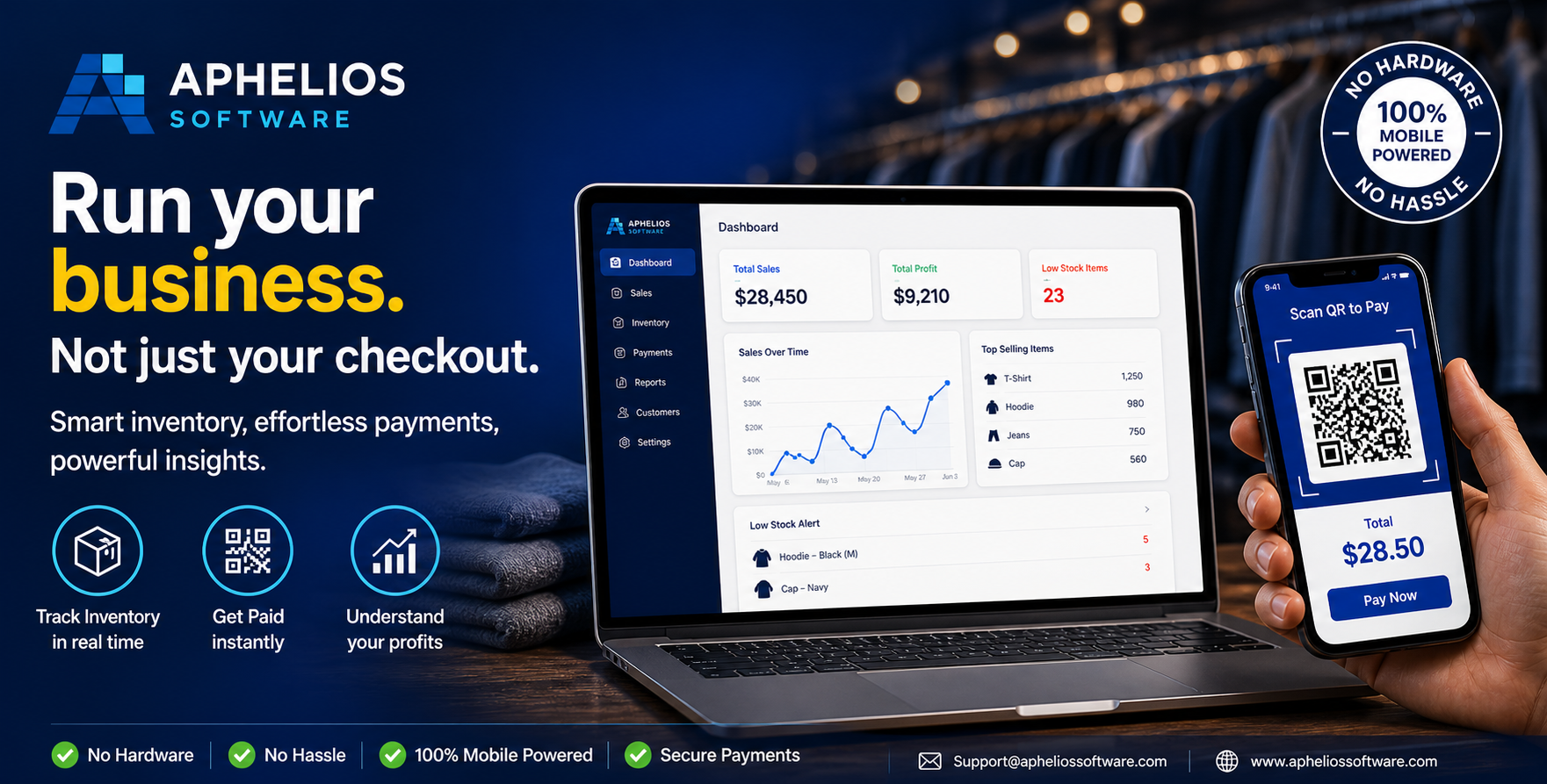
Aphelios Software is built to make automated purchasing accessible for every UK small business. The platform connects inventory management, supplier records and purchase order generation into a single, straightforward workflow: no spreadsheets, no separate tools and no manual data entry.
When you record a supplier for a product and set a reorder point, Aphelios monitors that product's stock level continuously. When it drops to the reorder point, a purchase order is created automatically with the correct supplier details, product quantities and expected delivery date. You can review the PO before it is sent or configure the system to submit it directly.
Supplier lead times, pricing and delivery performance are tracked within the platform, giving you the data you need to evaluate vendor reliability and negotiate better terms. When goods arrive, barcode scanning confirms receipt against the PO and updates inventory levels instantly: closing the loop from order to shelf without manual intervention.
Whether you work with a single local supplier or manage a network of vendors across the UK, Aphelios keeps your purchasing organised, automated and under your control. The result is fewer stockouts, less time on admin and more confidence that your inventory is always at the right level.
Frequently Asked Questions
Can automated purchase order software handle minimum order quantities?
Yes. Modern purchase order software lets you set minimum order quantities per product or per supplier. When the system generates an automatic PO, it adjusts the order size to meet the minimum, so you never place orders that suppliers will reject or reduce.
How does automated reordering work with multiple suppliers?
You can assign a preferred supplier to each product and set backup suppliers if needed. When a reorder point is triggered, the system selects the assigned supplier by default. If lead times or pricing change, you can switch suppliers directly on the purchase order before it is sent.
What is the difference between reorder points and safety stock?
A reorder point is the stock level at which a new purchase order should be placed. Safety stock is extra inventory held as a buffer against unexpected demand spikes or supplier delays. A good system calculates both based on your sales history, lead times and desired service level.
Can I review and approve automatic purchase orders before they are sent?
Yes. Most systems allow you to set automatic POs to draft mode, where they are generated but require your approval before being sent to suppliers. This gives you full control over spending while still benefiting from automated stock monitoring and PO creation.
Related Articles
Inventory Replenishment Guide 2026
Optimise stock levels and avoid stockouts with effective replenishment strategies.
Read moreSupplier Management Software
Manage supplier relationships, pricing and lead times from one platform.
Read morePurchase Order Management UK 2026
Create, track and manage purchase orders digitally.
Read moreAutomate Your Purchasing Today
Stop managing purchase orders with spreadsheets and email. Aphelios combines inventory management, automated PO creation, supplier management and barcode receiving in one cloud platform.
Start Free Trial