Multi-Location Inventory Management UK – Complete Guide (2026)
Written by Calvin Lo, Founder of Aphelios Software | July 2026 | 7 min read
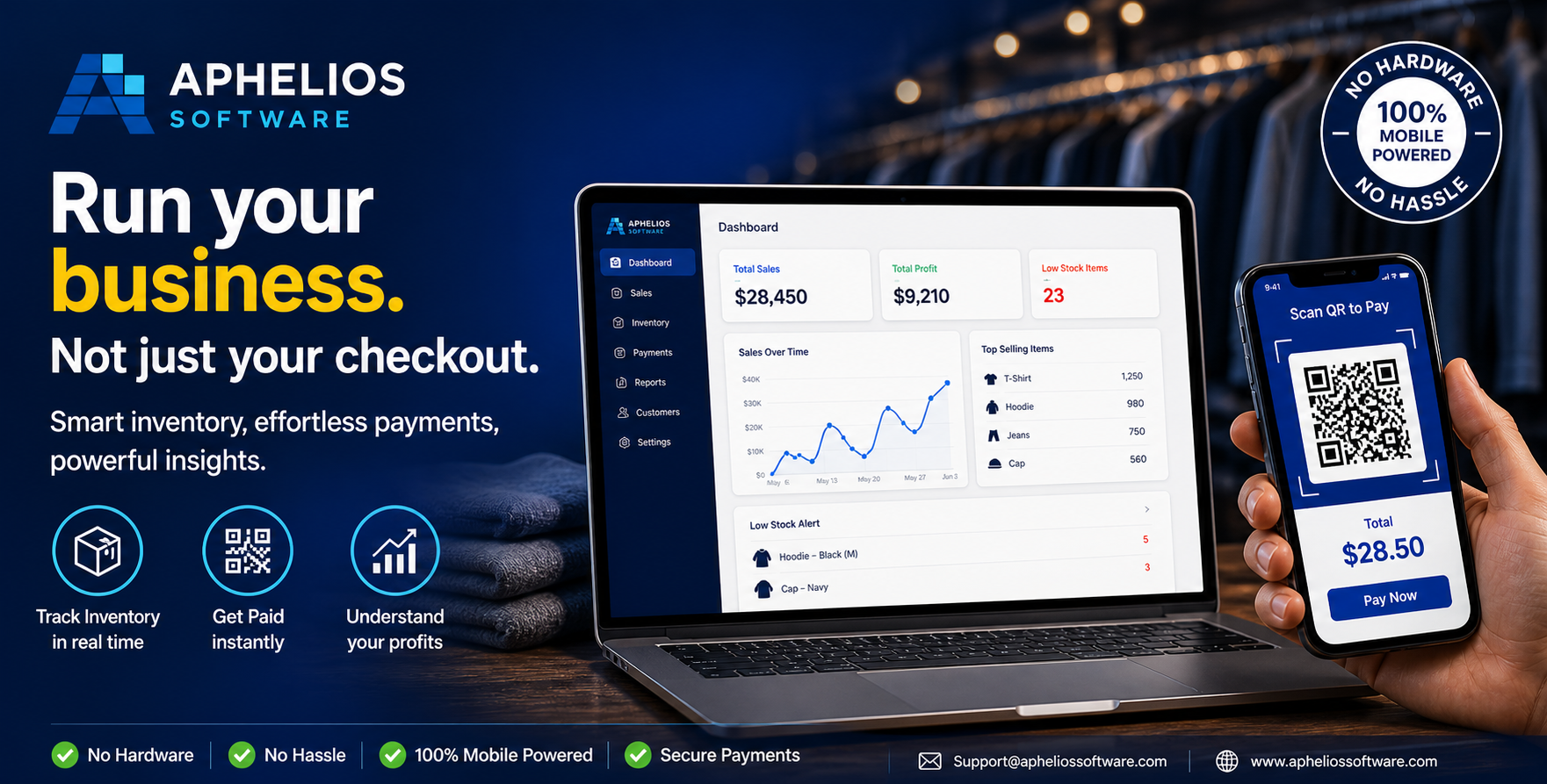
If your business operates from multiple locations: whether retail shops, warehouses, market stalls or a combination of different site types: managing inventory across all of them can quickly become complex. Without a centralised system, each location operates in isolation, leading to overselling, stock imbalances and frustrated customers.
This guide explains how multi-location inventory management works, why it matters for UK businesses, and how to implement a system that gives you real-time visibility and control over stock across all your locations.
What Is Multi-Location Inventory Management?
Multi-location inventory management is the ability to track, manage and control stock across multiple physical or virtual locations from a single central system. Rather than maintaining separate spreadsheets or disconnected systems for each shop or warehouse, a multi-location system provides a unified view of all inventory: showing exactly how much stock is at each location, what is in transit between locations, and where reorders are needed.
Why Multi-Location Inventory Management Matters
For UK businesses with multiple sites, the challenges of disconnected inventory management are significant:
- Overselling: Without real-time visibility, a product may be sold at one location while another location has stock, leading to cancelled orders and unhappy customers.
- Stock imbalances: One shop may have excess stock of a product while another has run out, requiring manual transfers and double handling.
- Inefficient replenishment: Without location-level data, you may over-order for some sites and under-order for others.
- Time-consuming manual processes: Staff spend hours updating spreadsheets, emailing stock lists and reconciling counts across locations.
- Poor customer experience: If customers cannot rely on stock availability information, they may go to competitors.
Key Features of a Multi-Location Inventory System
When evaluating multi-location inventory software, look for these essential capabilities:
- Real-time stock tracking per location: See exact stock levels at each shop, warehouse or stall at any moment, with updates reflected instantly after every sale or stock movement.
- Stock transfers between locations: Move stock from one location to another with a simple transfer order, automatically updating both sites.
- Centralised purchasing: Create purchase orders that specify which location will receive each product, or buy centrally and allocate stock across sites.
- Location-level reporting: Compare sales performance, stock turnover and profitability across locations to identify trends and optimise stock distribution.
- Low-stock alerts per location: Receive automatic notifications when any location reaches its reorder threshold, preventing stockouts before they happen.
- Multi-user access with permissions: Give each location's staff access to their own stock data while maintaining central control over pricing, purchasing and reporting.
How Multi-Location Inventory Works in Practice
Here is a typical scenario showing the power of multi-location inventory management:
Imagine you run three retail shops across London. A customer walks into your Camden location looking for a specific product that is out of stock there. With a multi-location system, your staff can instantly check that the product is available at your Shoreditch shop. They can either arrange a transfer from Shoreditch to Camden for next-day collection, or direct the customer to the Shoreditch location. The sale is kept within your business rather than lost to a competitor.
Meanwhile, your central purchasing manager can see that the Camden location also has low stock on several other items. Rather than waiting for individual store managers to place separate orders, a single purchase order is created that automatically allocates the correct quantities to Camden, Shoreditch and your third location based on their respective reorder points and sales velocity.
Multi-Location Inventory with Aphelios Software
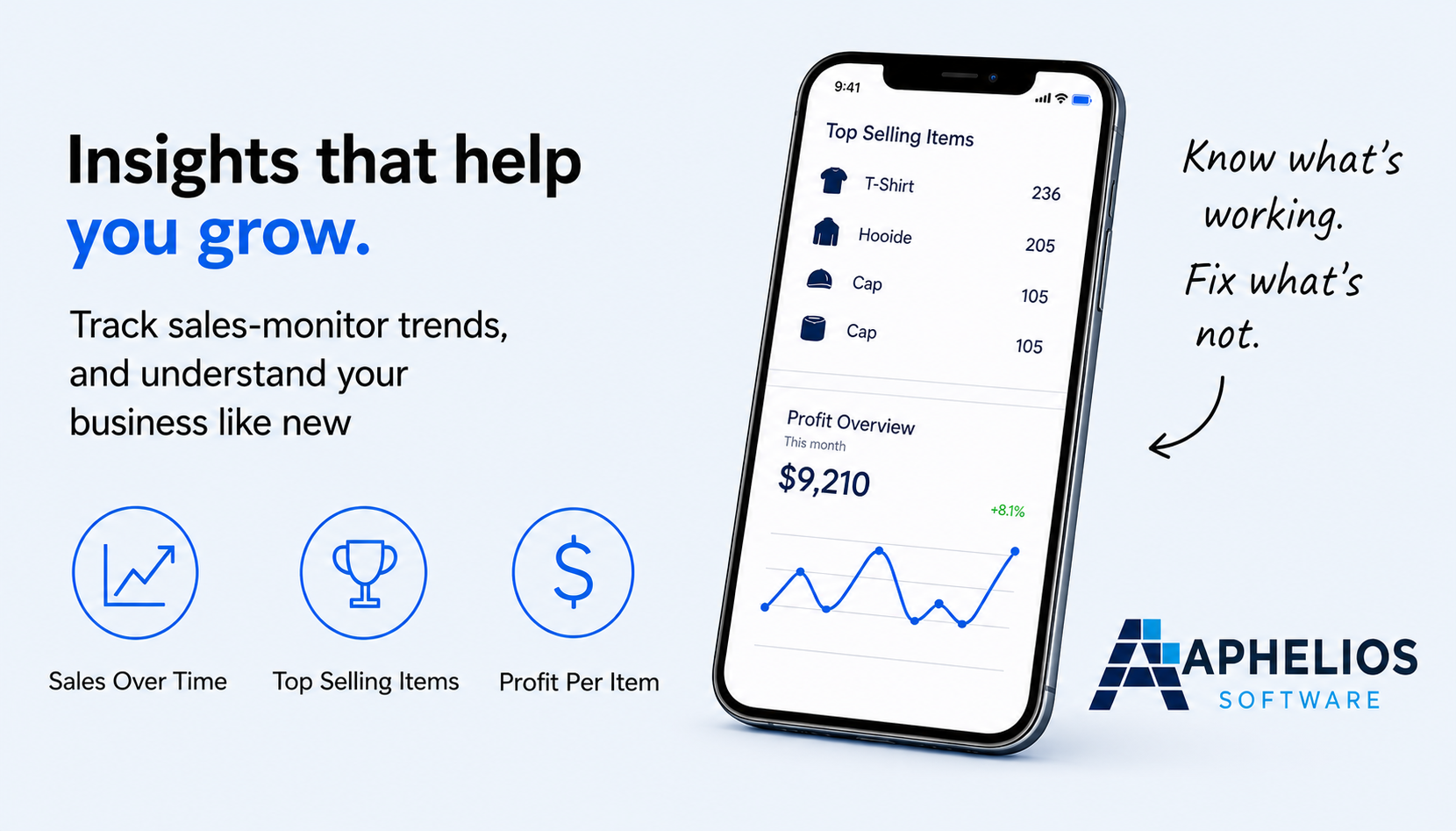
Aphelios Software includes native multi-location inventory management as part of its all-in-one platform. Every feature: from POS sales and barcode scanning to purchasing and reporting: is location-aware. When a sale is made at one location, stock is deducted from that location only, while other locations' stock levels remain unaffected. When stock is transferred between locations, the system automatically updates both sites.
This location-level precision ensures your inventory data is always accurate, your staff always know what is available where, and your customers never face disappointment due to overselling.
Best Practices for Multi-Location Inventory Management
- Regular cycle counting per location: Schedule periodic stock counts at each location to maintain accuracy. Cloud-based systems make this easy with barcode scanning and mobile counting.
- Optimise stock distribution: Use location-level sales data to determine optimal stock levels for each site. High-traffic locations may need more stock of popular items, while smaller locations may need less.
- Set location-specific reorder points: Each location should have its own reorder thresholds based on its sales velocity, lead time and storage capacity.
- Minimise inter-location transfers: While transfers are sometimes necessary, they add cost and complexity. Aim to get purchasing right so that each location receives the right stock first time.
- Train staff at every location: Ensure all team members understand how to check stock levels, process transfers and use the system correctly.
Multi-location inventory management is essential for any UK business with more than one site. With the right system in place, you can eliminate overselling, reduce stock imbalances and provide a better experience for your customers: while spending less time on manual stock administration.
Related Articles
Multi-Location Inventory Management
Manage stock across multiple sites from one dashboard.
Read moreWarehouse Inventory Management
Manage warehouse stock with barcode scanning and real-time tracking.
Read moreMobile Inventory Management
Manage stock on the go with mobile inventory software.
Read moreManage Stock Across All Your Locations
Try Aphelios free for 14 days and see how easy multi-location inventory management can be. No credit card required.
Start Free Trial