Mobile CRM Apps UK – Best CRM Software for Phones and Tablets (2026)
Written by Calvin Lo, Founder of Aphelios Software | Updated July 2026 | 6 min read
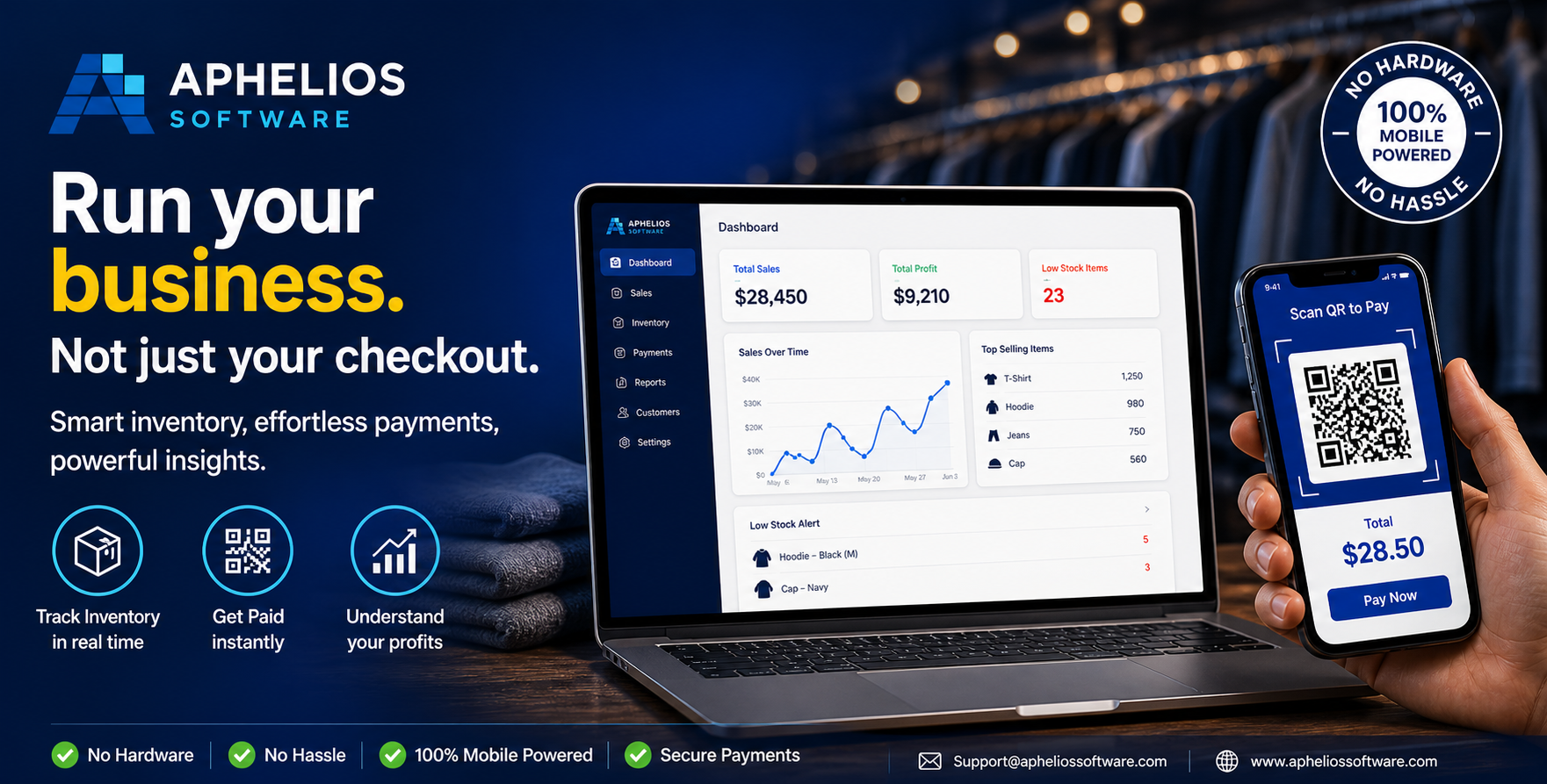
Access full CRM functionality from any device: phone, tablet or desktop
Small business owners in the UK are constantly on the move. Whether you are visiting a client, working at a market stall, checking stock at a warehouse or meeting a supplier, you cannot always be at a desk to manage your customer relationships. Mobile CRM apps solve this problem by giving you access to your leads, deals, contacts and sales pipeline from anywhere.
In 2026, the best mobile CRM apps for UK small businesses go beyond simple contact lists: they let you capture leads on the go, create and send quotes from your phone, update deal stages after a meeting and check customer history before a call. This guide compares the top mobile CRM options available in the UK and explains what to look for when choosing a mobile-friendly CRM platform.
Why Mobile CRM Matters for Small Businesses
The days of CRM being a desktop-only tool are long gone. Small business owners and field staff need the ability to log customer interactions immediately, not hours later when they return to the office. Recording a note, updating a deal stage or sending a quote while you are still in front of the customer is far more effective than relying on memory and manual data entry later.
Mobile CRM access improves data accuracy (information is captured fresh, not recalled from memory), speeds up response times (you can reply to enquiries instantly) and ensures your team always has the latest customer information at their fingertips. For UK businesses with field staff, sales teams or mobile operations, a CRM that works well on phones and tablets is essential rather than optional.
Modern mobile CRM platforms also support real-time synchronisation. When a team member updates a deal status or adds a note from their phone, everyone else sees the change immediately. This eliminates the confusion of outdated spreadsheets and stale email updates, keeping your entire team aligned on every customer relationship.
Key Features to Look for in a Mobile CRM App
Not all mobile CRM apps are created equal. When evaluating mobile CRM options for your UK business, look for these essential capabilities:
- Full functionality on mobile: The mobile version should not be a cut-down version of the desktop CRM. You should be able to add leads, update deals, create quotes, log activities and access reports from your phone or tablet.
- Responsive web design or native app: Responsive web-based CRM works in any mobile browser without installation, while native apps offer offline capabilities and device-specific features like camera scanning. Both approaches have merits depending on your needs.
- Quote creation and PDF generation: The ability to create professional itemised quotes and send them as PDFs from your mobile device is critical for service businesses and sales teams working in the field.
- Photo and attachment capture: Snap photos of products, job sites or receipts and attach them directly to customer records. This is particularly valuable for tradespeople, market traders and field service teams.
- Contact and activity timeline: Every call, email, meeting and note should be visible in a chronological timeline on the customer record, accessible from any device.
- Push notifications and reminders: Get notified when a deal moves stage, a quote is viewed or a follow-up task is due, even when you are not actively using the CRM.
- Offline access: Some mobile CRM apps allow you to view and edit customer data without an internet connection, syncing changes when you reconnect.
Top Mobile CRM Apps for UK Small Businesses in 2026
We evaluated the leading mobile CRM options based on their mobile experience, feature completeness, pricing and suitability for UK small businesses. Here are the best options:
1. Aphelios Software: Fully Responsive Mobile CRM
Aphelios Software is built as a fully responsive web application, meaning it works perfectly on any device with a modern web browser: phones, tablets, laptops and desktops. There is no separate app to install and no feature disparity between desktop and mobile versions. Everything you can do on a desktop computer, you can do from your phone: capture leads, manage deals, create and send quotes with PDF generation, log activities, view reports and process payments via Stripe.
Key mobile features: Full CRM functionality in mobile browser, responsive design that adapts to any screen size, lead capture and deal management on the go, professional quote creation with PDF export from phone, contact and activity management, task tracking with reminders, Stripe payment links for instant checkout, mobile-friendly reports and dashboards, and data synchronised in real time across all devices.
For UK small businesses that need CRM access everywhere: from the workshop floor to a customer's premises to a market stall: the Aphelios mobile CRM platform provides a consistent, full-featured experience without the need to juggle multiple apps or remember which actions require a desktop.
2. HubSpot CRM Mobile App
HubSpot offers a dedicated mobile app for iOS and Android that includes contact management, deal tracking, email integration and meeting scheduling. The free tier is generous and the app is well-designed. However, quoting is limited to paid plans and inventory, POS and invoicing features are not available on any tier. HubSpot's mobile app works well for sales-focused teams but requires additional tools for product-based or service-oriented workflows.
3. Zoho CRM Mobile App
Zoho CRM's mobile app offers extensive functionality including lead management, deal pipeline, workflow automation and AI-powered insights through Zia. The app supports offline access and integrates with other Zoho apps. However, the mobile experience can feel cluttered due to the sheer volume of features, and scheduling, invoicing and inventory require separate Zoho subscriptions that add cost and complexity.
4. Pipedrive Mobile App
Pipedrive's mobile app is clean, fast and focused on deal pipeline management. Its drag-and-drop Kanban interface translates well to mobile touchscreens, making it easy to move deals between stages with a tap. The app includes contact management, activity logging and email integration. However, quoting is a paid add-on and inventory, invoicing and scheduling are not available natively.
5. Freshsales Mobile App
Freshsales offers a mobile app with AI-powered lead scoring, built-in phone and email, visual pipeline management and workflow automation. It is a solid option for sales-focused teams that need a mobile-first experience. However, like other standalone CRMs, it lacks built-in inventory, quoting and invoicing features, which limits its usefulness for product-based businesses.
Mobile CRM vs Native Apps: Which Is Better for Your Business?
When choosing a mobile CRM, you will encounter two main approaches: native mobile apps (installed from an app store) and responsive web applications (accessed through your phone's browser). Each has advantages:
- Native apps offer offline access, push notifications, camera integration and faster performance. They are ideal for teams that spend significant time in areas with unreliable internet and need to access CRM data without connectivity.
- Responsive web apps require no installation, work on any device regardless of operating system, always use the latest version without updates, and offer the same functionality as the desktop version. They are ideal for businesses that want one consistent experience across all devices.
For most UK small businesses, a responsive web CRM like Aphelios provides the best balance of functionality, accessibility and simplicity. You can log in from any device: a phone at a customer site, a tablet on the shop floor, a laptop at home or a desktop in the office: and get the same complete CRM experience every time.
Mobile CRM Pricing Comparison
Mobile CRM pricing varies based on feature set, user count and whether you need additional modules for quoting, invoicing or inventory. Here is how the leading options compare:
| CRM Platform | Starting Price | Mobile Access | Mobile Quoting | Offline Mode | Full Features |
|---|---|---|---|---|---|
| Aphelios | £29.99/mo (2 users) | ✓ Responsive web | ✓ Included | Browser cache | ✓ All features |
| HubSpot | Free / £15/user/mo | ✓ Native app | ✗ Paid plans | ✓ Available | Paid plans |
| Zoho CRM | £10/user/mo | ✓ Native app | ✓ Included | ✓ Available | ✓ Included |
| Pipedrive | £10/user/mo | ✓ Native app | Add-on | ✓ Available | Add-ons needed |
When evaluating mobile CRM pricing, consider whether all features you need are available on mobile at the stated price. Some CRMs restrict quoting, reporting or pipeline customisation to desktop-only or higher-priced plans. Aphelios offers every feature on every device at a single flat rate with no per-user fees.
Tips for Getting the Most from Mobile CRM
Adopting a mobile CRM is only the first step. To maximise its impact on your business, follow these best practices:
- Log activities immediately: After a customer call, meeting or site visit, update the CRM record right away. Five seconds of data entry while the details are fresh saves minutes of reconstruction later.
- Use quote templates: Save common quote templates for your most frequent products or services. This lets you create professional quotes from your phone in under a minute.
- Set follow-up reminders: Use task reminders to chase outstanding quotes, follow up on leads or schedule callbacks. Mobile push notifications ensure you never miss a follow-up.
- Capture photos on site: Take photos of completed work, delivered goods or customer premises and attach them to the customer record. This creates a visual history that is invaluable for future reference.
- Review mobile reports: Check your sales pipeline and team performance from your phone during quiet moments. Regular review helps you spot trends and address issues before they become problems.
Final Thoughts
Mobile CRM access is no longer a luxury: it is a necessity for UK small businesses that want to stay competitive. Whether you are a tradesperson creating quotes on site, a market trader capturing customer details at your stall, or a sales representative updating deal stages after a meeting, having full CRM functionality in your pocket transforms how efficiently you work.
The best mobile CRM for your business is one that offers complete functionality on every device, integrates with your other business tools and fits your budget. A responsive web-based CRM like Aphelios gives you the flexibility to manage your entire customer relationship process from anywhere, without compromise.
Related Articles
Best CRM Software for Small Business UK 2026
Complete comparison and buyer's guide for UK small businesses.
Read moreCRM Software for Small Business UK Guide
The complete guide to CRM for UK small businesses.
Read moreCRM for Market Traders & Pop-Up Shops
Customer management for mobile and temporary retail businesses.
Read moreTry Aphelios CRM Free for 14 Days
Access full CRM functionality from any device. No credit card required. UK hosted and GDPR compliant.
Start Free Trial