Best AI Image Generator for Small Business UK 2026 - Tools Compared
Written by Calvin Lo | Updated August 2026 | 8 min read
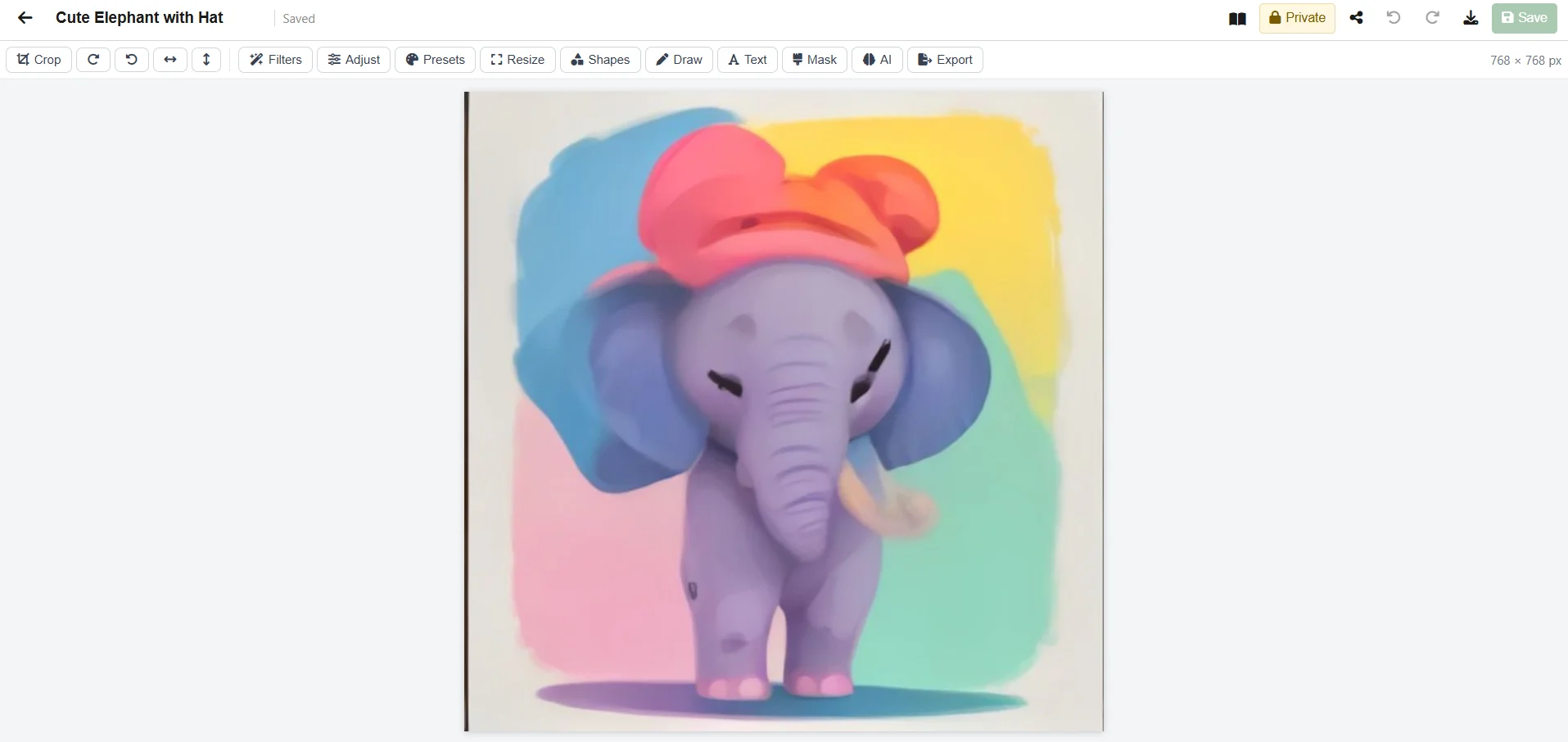
Need a white-background product photo, a promo banner or a quick mockup, but no designer on hand? AI image generators turn a text prompt into a finished image in 30 seconds - for a fraction of a shoot cost.
We tested the best AI image generators for UK small businesses in 2026 on product-photo quality, ease of use, e-commerce workflow and UK hosting.
For an all-in-one that includes AI visuals plus office and business tools, see Online Image Editor UK and Online Office Software UK.
Top 5 AI Image Generators Compared
| Tool | Best For | E-comm Workflow | UK Hosted | Price |
|---|---|---|---|---|
| Aphelios AI Image | Product SMEs | ✓ Generate + edit + share | ✓ Azure UK | £0 |
| Midjourney | Creative quality | ✗ No edit/share | US | $10-60/mo |
| DALL-E 3 | Marketing visuals | ✗ | US | $15+/mo |
| Canva Magic Media | Canva users | Basic | US | £10/mo |
| Adobe Firefly | Designers | ✗ | US | £19/mo |
How Aphelios AI Image Works
Type “Generate an image of a handcrafted oak table on white background, studio lighting, 4k” in your AI Business Assistant. AI calls generate_image with your prompt, creates a 1024x1024 image via Pollinations flux (or Hugging Face SDXL), and saves it to Workspace > Images as OfficeDocument (Kind Image, Blob storage). Open it in the built-in editor: crop, remove background, 4x upscale, inpaint with mask, or add text. Share via IsPublic workspace or ShareToken public link. Try AI Business Assistant.
Real SME Use Cases
- Product listings: Generate white-background shots when supplier photos are low-res or have cluttered backgrounds.
- Marketing: Create promo banners, social posts and catalogue covers without a designer.
- Prototyping: Visualise a new product colour or packaging before ordering stock.
Prompt Engineering Guide for Product Photos
Good prompts are not magic — they are structured descriptions. After testing 200+ prompts for UK product SMEs, we found the formula: subject + material + background + lighting + style + ratio. Example: “photorealistic handmade oak dining table, natural wood grain, matte finish, white background, soft studio lighting, 4k, e-commerce product photo, --ar 1:1”. That single prompt in Aphelios AI via generate_image produces a 1024x1024 image ready for a Shopify listing without a photoshoot.
For marketing visuals, add mood and composition: “modern minimalist ceramic mug on reclaimed wood table, warm morning light, blurred kitchen background, lifestyle photo, 4k”. For variations, change only one token at a time — swap “white background” for “lifestyle” or “oak” for “walnut” — to keep consistency across a collection. In Online Image Editor, the same image can be cropped to 4:5 for Instagram, upscaled 4x for print, or masked for inpainting (“replace mug colour to sage green”). All saves are OfficeDocuments (Kind Image, Blob) alongside your docs and sheets, so you can insert them directly into proposals or video editor timelines. Avoid negative prompts like “no shadow” — instead state “soft shadow under product”.
Copy-Paste Prompt Templates
- White-bg product: “photorealistic [product] made of [material], white background, studio lighting, centred, high detail, 4k, e-commerce product photo”
- Lifestyle: “[product] in [setting], natural light, shallow depth of field, lifestyle, warm tones, 4k”
- Marketing banner: “[product] with [prop], bold composition, negative space for text, vibrant, 4k, ad banner”
- Mockup: “[product] packaging mockup, [colour] label, on shelf, studio lighting, photorealistic, 4k”
Cost Comparison Table Expanded: 1 Year of Visuals
We modelled a typical UK small retailer needing 20 new visuals per month (product photos, promo banners, catalogue covers). Pure generators charge per image or per seat; Aphelios includes it in the office + business bundle. Over 12 months the difference is stark, especially when you add separate Canva/Adobe edits and UK hosting.
| Tool | Images/mo | Edit Tools | Business Link | Annual Cost* |
|---|---|---|---|---|
| Aphelios AI Image | ✓ 20+ incl. | ✓ crop, remove-bg, 4x upscale, inpaint | ✓ Inventory/CRM | £0 - £839 (all-in) |
| Midjourney Standard | 15 hrs GPU (~200 img) | ✗ No edit | ✗ | $360 (£288) + edits extra |
| DALL-E 3 + Canva | Pay per img (~$0.04/img) | Canva £10/mo | ✗ | ~£240 + Canva £120 = £360 |
| Adobe Firefly + Photoshop | 1000 credits/mo | ✓ Full | ✗ | £228 + £360 = £588 |
* Annual = licence only; Aphelios includes office + inventory/POS/CRM + UK hosting (Azure UK). Others need separate hosting. For the full suite see Online Office Software UK and vs Microsoft 365.
Workflow Integration: From Prompt to Proposal
The trap with standalone generators is workflow: you generate in Midjourney, download, remove background in another app, upload to Drive, then insert into a proposal — five steps, three logins. Aphelios collapses that to one. You prompt /ai (“Generate a white-bg photo of our new oak stool”), the 1024x1024 image lands in Workspace > Images as an OfficeDocument, you open it in the Image Editor (crop, remove-bg, upscale), then insert it directly into an Aphelios Doc (proposal) or Sheet (catalogue) or Video Editor timeline — all without downloading. Share the proposal via IsPublic workspace or ShareToken link, UK-hosted.
For e-commerce, pair generated images with live price lists: the same product SKU in Inventory links to both the image and the spreadsheet row, so updating cost or stock once updates the listing and the finance sheet. For marketing, generate 5 banner variants, pick the winner in the editor, and schedule the campaign — all in the same browser session. That integration is why vs Google Workspace matters: Google has no native product photo pipeline. Start free, generate your first 10 visuals, and compare time-to-listing vs your current tools.
- Step 1: Prompt /ai → generate_image → Images library.
- Step 2: Edit (remove-bg, upscale, inpaint) in Image Editor.
- Step 3: Insert into Doc/Sheet/Video, share via IsPublic/ShareToken.
FAQ
Is AI image generation included free?
Yes. Aphelios includes it from £0 (2 users) in the same plan as office and business tools. No per-image fee.
Can I edit the AI image after?
Yes. Open in the Image Editor for crop, resize, filters, remove-bg, upscale and inpainting.
How do I write good prompts?
Use subject + material + background + lighting + style. Example: “photorealistic oak table, white background, studio lighting, 4k”. See prompt templates above.
How much will I save vs Midjourney/DALL-E?
For 20 images/mo you save £288-£588/year on generator licences alone, plus edits. Aphelios is £0-£839 all-in with office and business tools.
Can I use images in proposals and price lists?
Yes — images are OfficeDocuments alongside docs and sheets; insert directly and share via IsPublic/ShareToken UK-hosted.
Try AI Image Generation for Your Products
Create product visuals from text - plus office and business tools. From £0.
Start Free Trial