Online Image Editor UK
Online Image Editor with AI Tools
Written by Calvin Lo, Founder | August 2026 | 6 min read
Crop, resize, rotate and add filters — plus AI to remove backgrounds, sharpen blurry images and fill in missing parts. Works with iPhone photos too. From £0/mo.
Canva Without the Subscription
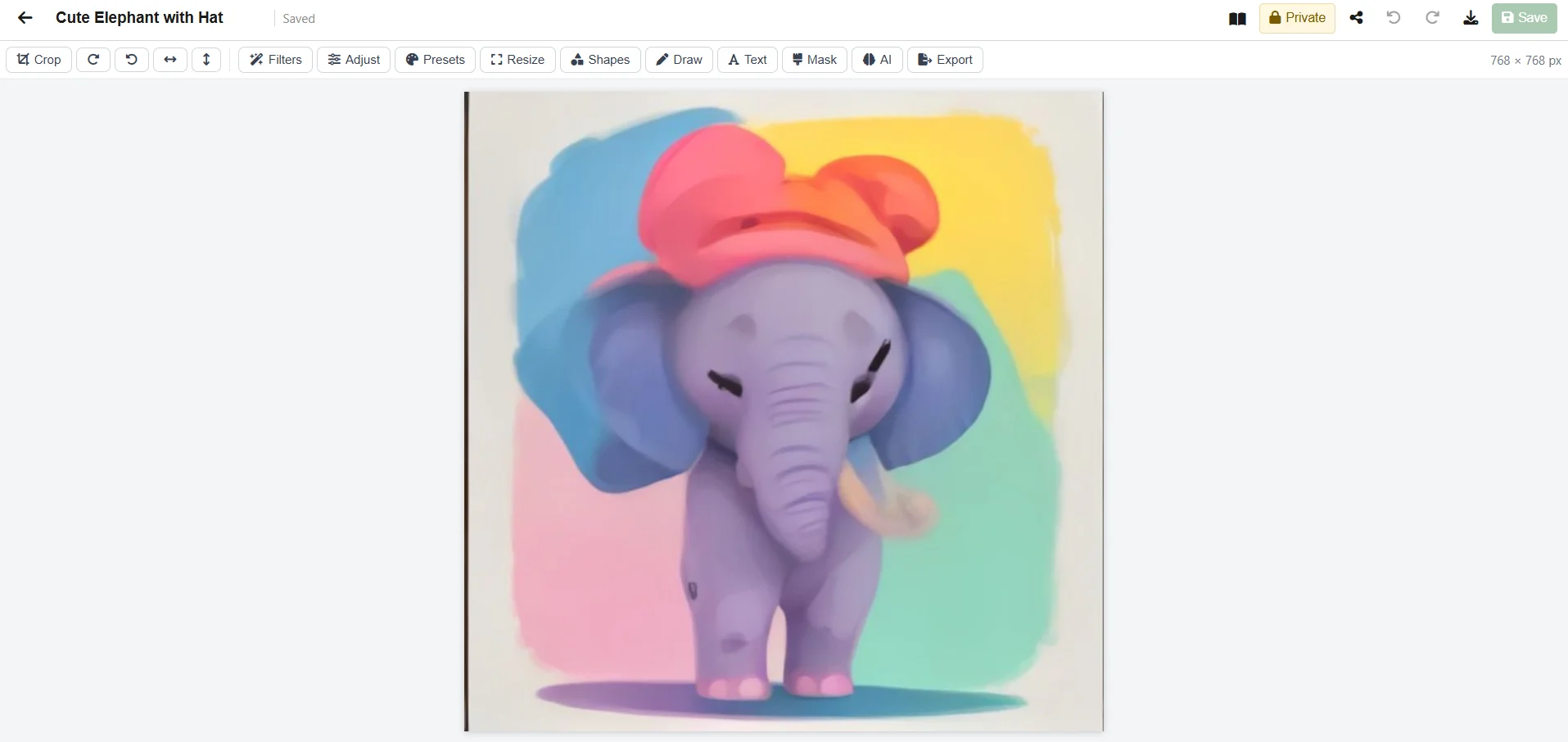
Edit photos right in your browser — crop, resize, rotate, add filters, text and drawings. Use AI to remove backgrounds in one click, make small images sharper (4×), fill in or replace parts of an image, or even create a new image from a text prompt. Works with all common formats including iPhone photos (HEIC) up to 15MB — they convert automatically. Your images are stored securely and easy to preview or download. All part of Office Suite UK.
Features
Crop & Resize
Crop, resize, rotate, add text and draw — precise and easy.
AI Remove Background
One-click background removal for product photos.
Sharpen & Upscale
Turn blurry supplier photos into sharp, print-ready images.
Fill & Create with AI
Select an area, describe what you want and let AI fill it — or type a prompt to generate a brand-new image.
Works with iPhone Photos
HEIC files convert to JPEG automatically, handles files up to 15MB.
Easy Sharing
Keep it private or share with your workspace, or send a secure link.
For Product Photos & Catalogues
Upload a supplier photo, remove the background in one click, make it sharper, add a "New In" badge and share with your marketing team — no Photoshop or Canva subscription needed.
More Office Tools
Frequently Asked Questions
Can I remove backgrounds?
Yes — remove backgrounds, sharpen images and fill in areas with AI in one click.
What formats?
PNG, JPG, GIF, WebP and iPhone HEIC up to 15MB — HEIC converts automatically.
Cost?
Included from £0/mo - pricing.