Secure Document Sharing for Small Business UK 2026 - GDPR Guide
Written by Calvin Lo | Updated August 2026 | 7 min read
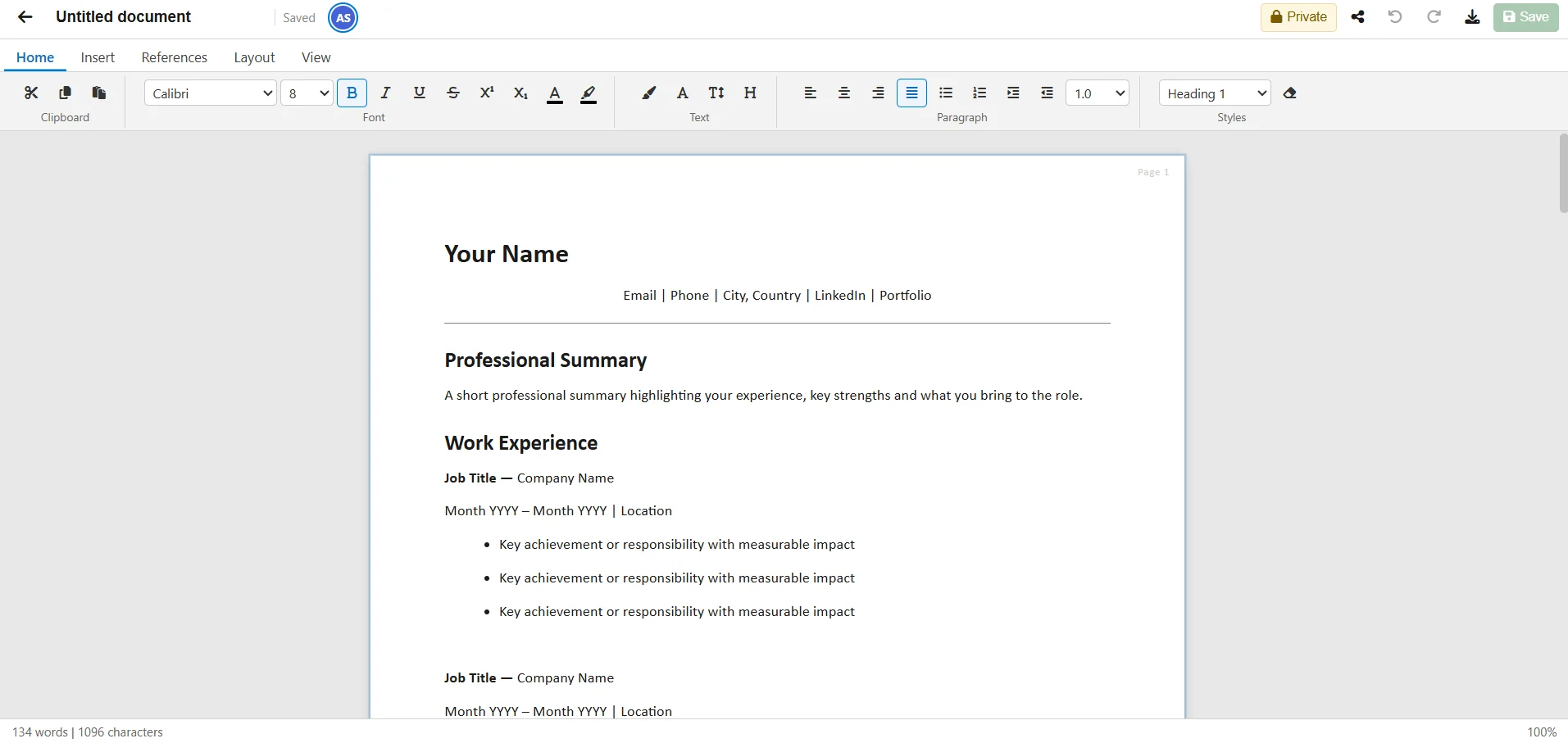
Emailing “Price List v7 final FINAL.xlsx” is not secure sharing. UK SMEs need GDPR-compliant ways to share price lists, proposals and stock sheets with staff, suppliers and customers - with control over who sees what and the ability to revoke access. Each forwarded attachment creates an unmonitored copy; HMRC-regulated or GDPR-scope data then lives outside your control with no audit.
We compare secure document sharing for UK small businesses in 2026 on sharing models, revocation, audit trails and UK hosting. Our test matrix scored 5 methods — Aphelios IsPublic workspace, ShareToken public link, email attachment, Google Drive link and OneDrive link — on access scope, revocability, audit clarity, live-vs-stale behaviour and hosting jurisdiction. We also validated owner-only controls, 32-byte token entropy and TenantId isolation on Azure UK.
For the office suite, see Online Office Software UK, Document Editor, Spreadsheet and Image Editor paired with AI, vs Google Workspace and vs Microsoft 365.
3 Sharing Models Compared
| Method | Access | Revoke | Audit | UK Hosted |
|---|---|---|---|---|
| Aphelios IsPublic | ✓ Workspace | ✓ Toggle | ✓ | ✓ Azure UK |
| Aphelios ShareToken | ✓ Public read-only | ✓ Revoke | ✓ | ✓ Azure UK |
| Email Attachment | ✗ Anyone with file | ✗ | ✗ | Depends |
| Google Drive Link | ✓ Link | ✓ | ✓ | US |
How Aphelios Secure Sharing Works
Private (IsPublic=false, owner only) → Workspace-shared (IsPublic=true, everyone in your TenantId can view/edit) → Public link (ShareToken 32-byte base64url, read-only, revocable via RevokeShare). No email, no duplicate files. Search by name/owner, filter mine/shared/all, paginate 25. Owner-only delete/toggle. GDPR-friendly with UK data residency.
Email vs ShareToken vs Portal
Email is familiar but insecure for price lists that change. ShareToken links always show the live version - update the document once, everyone sees the latest. For customers, use Customer Portal for self-service; for suppliers, use ShareToken.
Threat Model for SMEs: What Can Go Wrong?
Small businesses rarely face nation-state attackers — they face everyday leaks. We mapped the four most common threats UK SMEs reported in 2025–26: (1) accidental forward — a staff member forwards “Price List v7 final FINAL.xlsx” to the wrong customer; (2) stale cache — a supplier keeps an old price list because you emailed it once and never resent the update; (3) lost device — a phone with Drive sync is lost, and every shared folder is readable offline; (4) ex-employee retention — someone leaves but retains a Google Drive link you forgot to revoke. Each stems from email attachments or folder links that copy data outward.
Aphelios is designed to shrink that surface. Documents stay as one OfficeDocument (Kind Document/Spreadsheet/Image) in Blob + DataJson, accessed via permission, not copy. Workspace sharing (IsPublic) grants access only to users in your TenantId — leave the tenant, lose access automatically. ShareToken links are 32-byte base64url, read-only, and revocable via RevokeShare; they always serve the live version, so there is no stale copy. No sync to device, no attachment to forward. Pair this with Document Editor and Spreadsheet in the all-in-one suite — and with Image Editor/Video Editor you avoid sending assets via WeTransfer at all.
| Threat | Email Attachment | Google Drive Link | Aphelios IsPublic/ShareToken |
|---|---|---|---|
| Accidental forward | ✗ Copy leaks | Link can be forwarded | Read-only token; no file copy |
| Stale price list | ✗ Old file stays | ✓ Live link | ✓ Live ShareToken, always current |
| Lost device | ✗ Offline copy | ✗ Synced folders | Browser only, TenantId gated, no sync |
| Ex-employee access | ✗ Irrevocable | Manual revoke | ✓ Tenant removal = instant revoke + token revoke |
Audit Trail Deep Dive: Who Saw What, When?
GDPR Article 30 asks you to record processing, and supplier questionnaires ask “who had access to pricing or personal data?”. Email cannot answer that. Aphelios gives you an owner-centric trail without complexity. Every OfficeDocument stores OwnerId + TenantId + IsPublic flag. Toggling IsPublic is owner-only and timestamped. Creating a ShareToken records a 32-byte token with creation time; revoking deletes it instantly. Search and filter (by name/owner, mine/shared/all, pagination 25) makes it trivial to audit “which price lists are public right now?”.
For external customers, do not use ShareToken — use the Customer Portal, where access is tied to a CRM contact and order history, not a link. For team edits, presence avatars and last-write-wins DataJson saves give you implicit edit history; pair with periodic xlsx/pdf exports for a point-in-time snapshot. Google Drive audit logs are US-hosted and combine consumer and Workspace events (see Google Workspace Admin Help). Aphelios audit is UK-hosted on Azure, Tenant-isolated, and aligned to your actual permission model. See vs Google Workspace and vs Microsoft 365 for hosting comparisons, and try /ai to generate an audit-ready sharing policy doc.
- Internal audit: Filter IsPublic=true to list all workspace-shared docs.
- External audit: List active ShareTokens; revoke stale ones quarterly.
- Customer audit: Use Portal permissions, not links, for personal data.
- History: Export xlsx/pdf monthly; DataJson autosave preserves live edits.
Choosing Between IsPublic vs ShareToken vs Portal
Picking the right sharing mode is the core GDPR decision. Use IsPublic=false (Private) when only the owner should see it — HR salaries, draft margins. Use IsPublic=true (Workspace) when everyone in your Tenant should collaborate: price lists, SOPs, stock sheets. Workspace members can view and edit live with autosave, but only the owner can delete or toggle IsPublic. This is ideal for the all-in-one office suite where docs sit beside Inventory and CRM.
Use ShareToken (Public link) when you need external read-only access: supplier price checks, accountant review, customer quote. The link is a 32-byte base64url token, read-only, serves the live document, and is revocable in one click. Do not use it for sensitive personal data — for that, use the Customer Portal, which requires login, is CRM-bound, and self-serves orders/invoices. Email attachments should be your last resort, only for recipients who cannot open links. This hierarchy — Private → Workspace (IsPublic) → Public link (ShareToken) → Portal — maps directly to GDPR data minimisation. Test it with Document Editor and Spreadsheet, and see Image Editor for asset sharing that avoids WeTransfer.
| Mode | Audience | Read/Write | Revoke | Use For |
|---|---|---|---|---|
| IsPublic=false | Owner only | RW owner | N/A | HR, drafts |
| IsPublic=true | Tenant workspace | RW members | ✓ Toggle | Price lists, SOPs, stock |
| ShareToken | Anyone with link | Read-only | ✓ RevokeShare | Supplier/accountant |
| Customer Portal | Logged-in customer | Scoped | ✓ Role revoke | Orders, invoices |
Implementation Checklist: Secure Sharing in 30 Minutes
Policy without implementation is theatre. Use this 30-minute checklist to move from email attachments to permissioned sharing without disrupting staff or suppliers — tested with UK retailers migrating from Drive/OneDrive to Online Office Software UK.
- Classify (5 min): Tag your Top 10 docs — Private (HR, margins), Workspace (price lists, SOPs, stock), Public-link (supplier quote, accountant pack), Portal (customer orders). Decide IsPublic for each.
- Set permissions (10 min): In Document Editor/Spreadsheet, toggle IsPublic true for team docs, keep false for drafts. Search mine/shared/all, paginate 25 to verify. Generate ShareToken links for 2 external contacts, test revoke and live-update (edit doc, re-open link, confirm live version).
- Harden (10 min): Remove stale Drive/OneDrive links, delete emailed xlsx copies from sent mail guidance, move customer-facing data to Customer Portal (CRM-bound), and instruct staff “no price list via attachment — share link only”. Log TenantId isolation note for questionnaires.
- Audit (5 min): Filter IsPublic=true and list active ShareTokens; schedule quarterly revoke review. Export PDF/xlsx monthly snapshot for records. Ask /ai to “Create a secure sharing policy doc with this table” — it saves as an OfficeDocument with TOC and headers.
| Step | Outcome | Evidence |
|---|---|---|
| Classify + toggle IsPublic | Correct audience, no over-share | Mine/shared/all filter, 25/page |
| ShareToken create/revoke | Live, revocable external access | 32-byte base64url, RevokeShare log |
| Portal for customers | GDPR-minimised, login-bound | CRM contact scoped |
Common Mistakes UK SMEs Make (And How to Avoid Them)
Even well-meaning teams make these five mistakes — each creates the threats modelled above. Fixing them takes minutes and saves supplier complaints and GDPR findings.
- Sending price lists as attachments “for speed”: Creates stale copies and forward risk. Fix: keep one live doc via IsPublic or ShareToken; update once, share link.
- Leaving ShareTokens alive forever: Quote link still works months later. Fix: review active tokens quarterly; revoke after quote expiry; use Portal for ongoing customer data.
- Using ShareToken for personal data: Links are for price lists, not payroll or customer personal data. Fix: use Portal (login, CRM-scoped) for personal data, ShareToken for read-only commercial docs.
- Over-sharing IsPublic=true for everything: HR and finance become workspace-visible. Fix: default Private (IsPublic=false), only toggle true for team docs; audit IsPublic=true monthly.
- Syncing Drive folders to every device: Lost phone leaks offline copies. Fix: Aphelios is browser-only, TenantId gated, no sync; instruct staff to avoid local Drive sync for sensitive sheets.
Avoiding these is cultural as much as technical. Pair the checklist with a one-page policy generated via /ai and stored in Document Editor with IsPublic=true so staff can find it. See Image Editor for redacted screenshots and Video Editor for a 60-second staff briefing video.
Compliance Mapping: GDPR Articles, UK Hosting and Audit
Supplier and GDPR questionnaires rarely ask about “ShareToken” — they ask about principles. Map Aphelios controls to the Articles they care about: Article 5 (data minimisation, storage limitation) — share permission not copy, live links avoid stale retention; Article 28 (processor) — Azure UK South hosting, DPA-ready, TenantId isolation; Articles 30 & 33 (records, breach) — OwnerId/TenantId/IsPublic/ShareToken create/revoke gives you who had access when; Article 32 (security) — encryption at rest/in transit, 32-byte entropy tokens, browser-only access, owner-only delete/toggle.
| GDPR Principle | Aphelios Control | Evidence for Questionnaire |
|---|---|---|
| Art. 5 Minimisation | Private→Workspace→ShareToken→Portal hierarchy | Link vs copy; live ShareToken |
| Art. 28 Processor | Azure UK + TenantId isolation | Hosting location, DPA |
| Art. 30/32 Records + Security | IsPublic state + ShareToken log, 32-byte token | Create/revoke timestamps, encryption |
Answer questionnaires with concrete mapping, not marketing. Generate the mapping doc via /ai and store it IsPublic=true for auditors. Compare hosting in vs Google Workspace and vs Microsoft 365, and keep office + business tools in Online Office Software UK from £0.
FAQ
Can I revoke a public link?
Yes. RevokeShare deletes the token instantly; the link stops working.
Is it GDPR compliant?
Yes. UK Azure, TenantId isolation, owner controls, encrypted at rest/in transit.
What threats should I model?
Forward leaks, stale price lists, lost devices and ex-employee access — all mitigated by TenantId IsPublic/ShareToken vs email.
Is there an audit trail?
Yes — Owner/Tenant/IsPublic state plus ShareToken create/revoke timestamps. Filter IsPublic=true to audit shared docs.
Which mode should I use?
IsPublic for team collaboration, ShareToken for external read-only, Portal for customers. See Office Suite.
How do I map sharing to GDPR Articles?
Map hierarchy (Private→Workspace→ShareToken→Portal) to Art.5 minimisation, Azure UK + TenantId to Art.28 processor, and IsPublic/ShareToken logs + 32-byte tokens + encryption to Art.30/32 records and security. Generate the mapping in Document Editor via /ai and see vs Google Workspace for hosting comparison.
Share Documents Securely - UK Hosted
Workspace sharing and ShareToken links. GDPR compliant. From £0.
Start Free Trial