PDF How-To UK 2026
How to Edit, Sign and Redact PDFs Online UK 2026
Written by Calvin Lo | Updated August 2026 | 8 min read
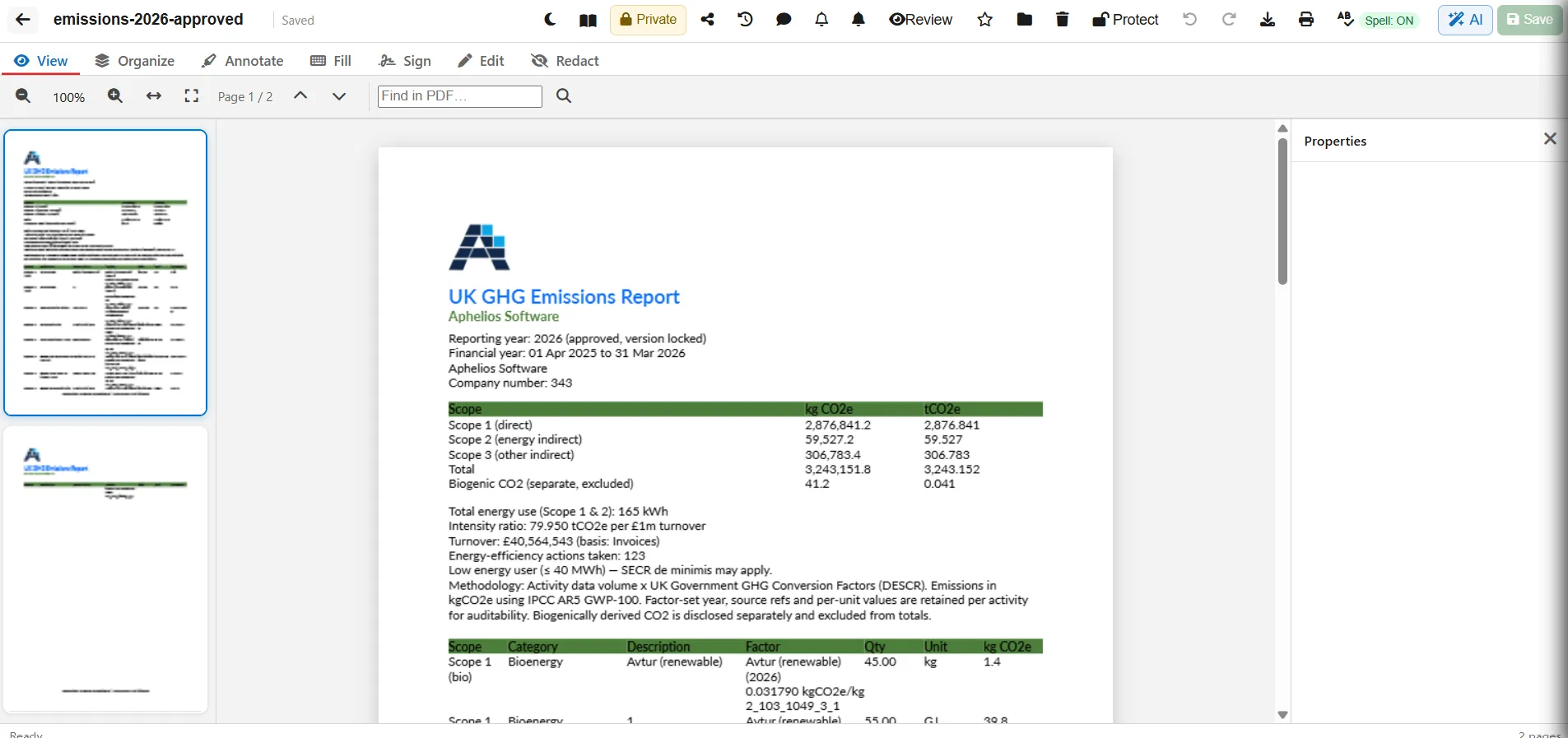
Need to fix a typo, add a signature or black out personal data — without Adobe or emailing to a free site? Here’s how to edit, sign and redact PDFs online in the UK using Aphelios Online PDF Editor — UK Azure hosting, no external upload, in your 6-editor Office Suite.
Step 1: Open or Create Your PDF
Go to PDF Editor → Import PDF (any PDF) or New PDF (blank). The file appears in your Drive — star it, move to a folder or set workspace sharing.
Step 2: Edit Text & Images
Choose Edit → Edit text to fix typos, change colour, bold/italic or font size. Choose Image to replace a logo. Click Add paragraph for new text. Save automatically.
Step 3: Fill Forms
Choose Fill → Text field or Checkbox, place and type. Click Flatten to lock values — recipients see text but cannot edit.
Step 4: Sign
- Open Sign → Draw (pad), Type (font) or Upload (image). Click Save signature — stored in your library.
- Click Place → click on page to drop. Drag to position, resize.
- Clear to remove signatures on page.
Step 5: Redact (Permanent)
Choose Redact → Mark to drag over sensitive text (NINO, bank details, personal data), then Burn — the text is permanently removed, not just covered. Always Save → Download after Burn. Use for GDPR redaction before sharing with suppliers or HMRC.
Step 6: Protect, Share & Download
Click Protect → set password before export. Share via workspace (view/comment/edit) or secure external link (revoke anytime). Download or Print — password-encrypted if you set one.
Pro Tips for UK SMEs
- Never just draw a black box — without Burn, text is still selectable. Always Burn for legal redaction.
- Flatten before sending — prevents customers editing filled prices.
- Use Drive folders + star — find signed contracts in seconds.
FAQ
Is online signing legally valid in the UK?
Yes for most SME contracts — drawn/typed signatures with audit trail are enforceable under eIDAS. For HMRC or land registry, check required signature level.
Can I remove a redaction?
No. Burn is permanent — that’s the point. Mark first, review, then Burn → Save → Download.