Mobile Inventory Management: Track Stock from Your Phone UK 2026
Written by Calvin Lo, Founder of Aphelios Software | July 2026 | 7 min read
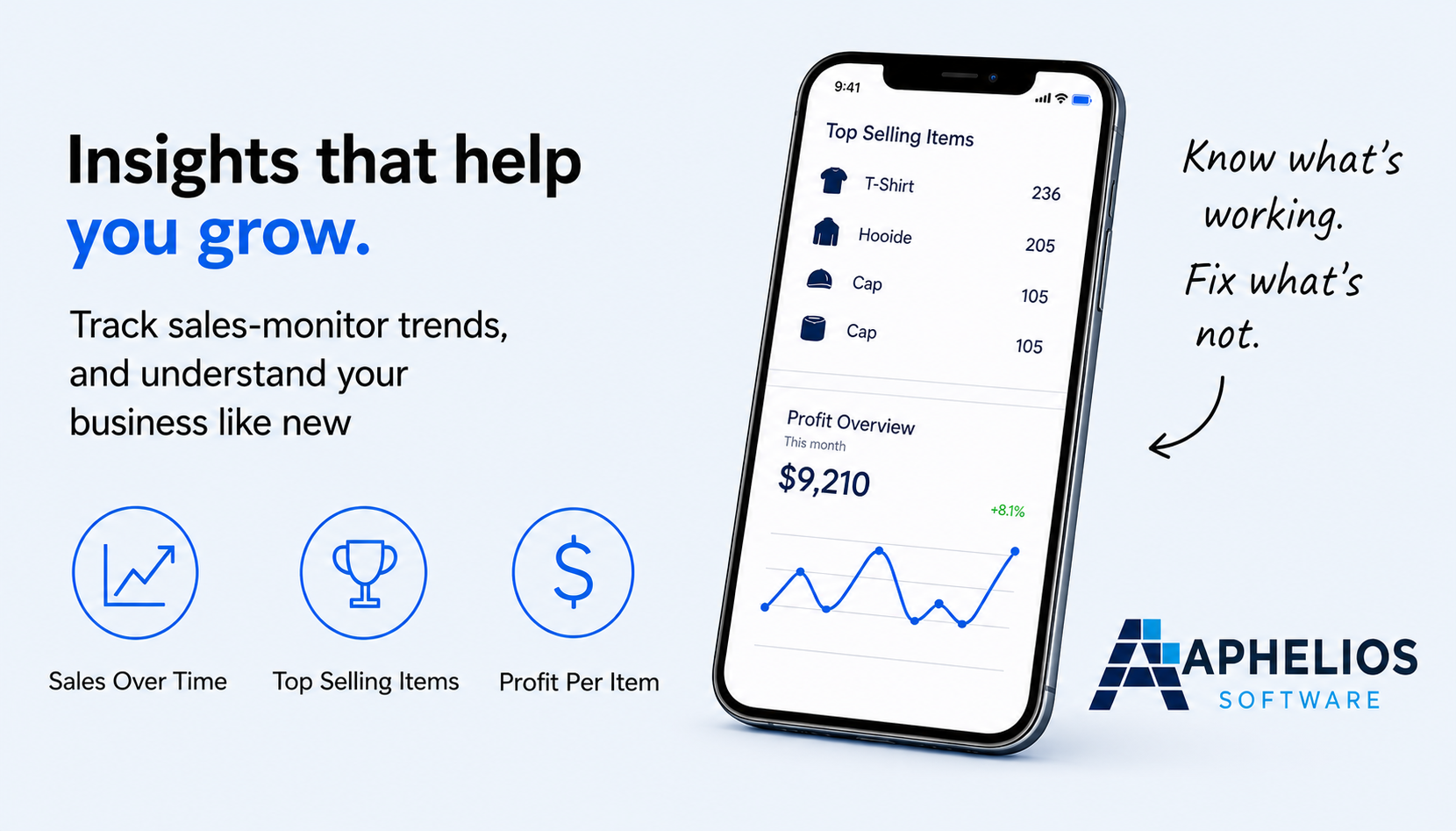
For UK small businesses, inventory management has traditionally meant being tied to a back office computer or relying on paper-based stock sheets. That approach no longer works. Customers expect instant availability, staff operate across multiple locations and the speed at which stock moves means outdated information costs you sales and margins.
Mobile inventory management changes the way small businesses handle stock. Instead of waiting until the end of the day to update counts or discover a stockout after a customer has already left, you can track, adjust and manage your inventory in real time from your phone. This guide explains what mobile inventory management is, why it matters and how to choose the right solution for your UK business.
What Is Mobile Inventory Management?
Mobile inventory management is the ability to monitor, update and control your stock levels using a smartphone or tablet rather than a desktop computer. It typically involves a cloud-based platform that syncs data across all your devices in real time, so any change made on one phone is instantly visible to every other user in your business.
Rather than relying on a single terminal in a stockroom, your team can check stock levels on the shop floor, during a delivery, at a market stall or while visiting a supplier. Mobile inventory management removes the physical barrier between your staff and the stock data they need to make fast, accurate decisions throughout the working day.
Key Benefits of Mobile Inventory Tracking
Real-Time Stock Updates
The most significant advantage of mobile inventory tracking is real-time visibility. When a sale is processed, a delivery is received or stock is moved between locations, the system updates immediately. Every team member with a phone sees the same accurate data, eliminating the lag between physical stock movements and digital records.
For small businesses this means no more overselling a product that is out of stock at one location while it sits in surplus at another. Real-time updates also make reordering smarter because you are making purchasing decisions based on live figures rather than yesterday's estimates.
Barcode Scanning on the Go
Most mobile inventory apps let you use your phone's camera as a barcode scanner. Staff can scan items when receiving deliveries, conducting stock counts or locating products in the warehouse. Barcode scanning eliminates manual data entry errors and makes stock processes significantly faster.
A typical stock count that might take several hours using pen and paper can be completed in a fraction of the time with a mobile barcode scanner. For UK small businesses running lean teams, that time saving translates directly into lower labour costs and more productive hours.
Multi-Location Visibility
If your business operates from more than one location: a shop and a warehouse, multiple retail outlets or a combination of online and in-store sales: mobile inventory management gives you a single view of stock across all sites. You can see what is available where, transfer stock between locations and reorder at a site level without switching between different systems.
Multi-location visibility is especially valuable for UK businesses that combine a physical shop with online sales or attend regular markets and events alongside a fixed retail space. Mobile access ensures you always know exactly what you have, regardless of where the stock physically sits.
Features to Look For in a Mobile Inventory App
Not every mobile app provides the same level of functionality. When choosing a mobile inventory solution for your UK small business, prioritise these essential features.
- Barcode and QR code scanning: A quality mobile inventory app uses your phone's built-in camera to scan barcodes and QR codes for instant product lookup, receiving and stock counting. This removes the need for expensive dedicated scanner hardware.
- Offline mode: Market stalls, pop-up shops and rural locations do not always have reliable internet. A good mobile app stores your data locally and syncs automatically once a connection is restored, so your team never stops working.
- Cloud sync: Real-time cloud synchronisation ensures every device shows the same data. When your shop floor team updates stock after a sale, your warehouse team sees the change immediately.
- Integration with POS: The most powerful mobile inventory systems connect directly to your point of sale. Every transaction automatically adjusts stock levels, eliminating the need for separate manual updates and giving you accurate cost of goods sold data in real time.
- Purchase order creation: The ability to create and send purchase orders from your phone means you can reorder stock the moment you notice a low level, rather than waiting until you return to a desk.
- Stock alerts and notifications: Push notifications that warn you when stock drops below a set threshold help prevent stockouts before they affect your customers.
How Aphelios Mobile Inventory Works
Aphelios Software is built as an all-in-one platform for UK small businesses, and mobile inventory management sits at its core. The entire system: from POS and inventory tracking to purchasing and reporting: is accessible from your phone through a responsive cloud-based interface.
When a sale is processed through your Aphelios POS, whether at a till or via a mobile device, the inventory adjusts automatically. You can check stock levels for any product across all your locations at any time, directly from your phone. Barcode scanning is supported through your device's camera, making receiving deliveries and conducting stock counts fast and accurate.
For businesses that attend market stalls or pop-up events, Aphelios works offline so you can continue processing sales and tracking stock even without an internet connection. When connectivity returns, everything syncs seamlessly. Purchase orders can be raised from your phone when you notice a product running low, and low-stock alerts notify you before items reach zero.
Because Aphelios is cloud-based, your data is always backed up and accessible from any device. Whether you are on the shop floor, at a supplier's warehouse or working from home, you have complete visibility and control over your inventory without needing to be near a computer.
Frequently Asked Questions
Can mobile inventory management work offline?
Yes. Many mobile inventory apps including Aphelios Software offer offline functionality. Your stock data is stored locally on your device and syncs automatically to the cloud when an internet connection is restored. This is ideal for market stalls, pop-up shops and businesses operating in areas with limited connectivity.
What devices are supported by mobile inventory apps?
Most modern mobile inventory apps work on both iOS and Android devices through a web browser or dedicated app. You can use smartphones, tablets and iPads. Aphelios Software runs through your mobile browser so there is nothing to install: just log in from any device.
How much does mobile inventory management software cost?
Mobile inventory software pricing in the UK varies from free basic tools to full platforms costing £29-£99 per month. Aphelios Software starts from £29 per month and includes POS, inventory management, barcode scanning, purchasing and reporting as part of one platform with no additional per-device fees.
Related Articles
Barcode Inventory Software
Streamline stocktaking and reduce errors with barcode scanning.
Read moreHow to Track Stock at a Market Stall
Practical tips for managing inventory when selling from a market stall.
Read moreMulti-Location Inventory Management
Manage stock across multiple sites from one dashboard.
Read moreStart Using Aphelios Software Today
Join UK businesses already improving efficiency with real-time inventory and sales automation.
Start Free Trial